Enterprise Android device management platform
One platform for enrollment, app delivery, launcher control and day-2 operations — instead of configuring Android devices one by one.
Document version V1.3 · November 2026
01 · Positioning & Value
OneNexus MDM is a device management and app delivery platform for corporate-owned Android devices. The web console defines the desired state; the Android client installed on each device applies it and reports back. It is not about installing an app on a device — it is about operating devices at fleet scale.
Select devices by group, configuration or status and apply changes in bulk. Day to day you watch device activity, investigate exceptions and manage scope.
App versions, configuration baselines and usage limits live in one profile — a new device is productive as soon as it syncs.
The device boots straight into the business interface. Daily actions stay within the work scope, reducing mistakes and distraction.
01 · Positioning & Value
In stores, warehouses, production lines and field service, the hard question is rarely “which device” — it is “what do we do with the whole batch”.
| Challenge | How it shows up | How OneNexus MDM answers |
|---|---|---|
| Inconsistent delivery | Same model configured by hand by different people — versions, permissions and settings all differ | Configuration is defined once and applied automatically after enrollment; the whole batch reuses it |
| Upgrades need a site visit | App updates require touching each device on site or shipping it back; distributed branches suffer most | Upload a new version in the console and bind it to a profile; devices install on next connection and results are visible |
| State is unknown | “Where is that device, is it online, is the profile applied, is it on the right version?” | One device list shows online state, last sync, applied configuration, app and file status |
| Usage is uncontrolled | Spare devices fill up with unrelated apps, get side-loaded or escape the business launcher | A managed launcher exposes only business entries, backed by app allow-listing and system restrictions |
| Expensive troubleshooting | “Let me take a look” on site; without records you cannot tell why an install failed | Per-device records for sync, install, file transfer, policy enforcement and command history |
| No accountability | Shared admin accounts — who changed what is unclear; loaned or resold devices stay unmanaged | User, role and device group are separated; each account acts only within its granted scope |
01 · Positioning & Value
Intent on the management side becomes real device state through five stages; the console reads results, the device enforces them, and the loop keeps running.
Create device groups, configurations and version baselines in the console — the delivery target
Devices join as Device Owner via QR provisioning, in-app enrollment or broadcast
Push apps, launcher layout, restrictions and files to the target devices in one action
The on-device agent installs and applies policy; the launcher switches to business mode
Status, results and exceptions return to the console — target state to achieved state
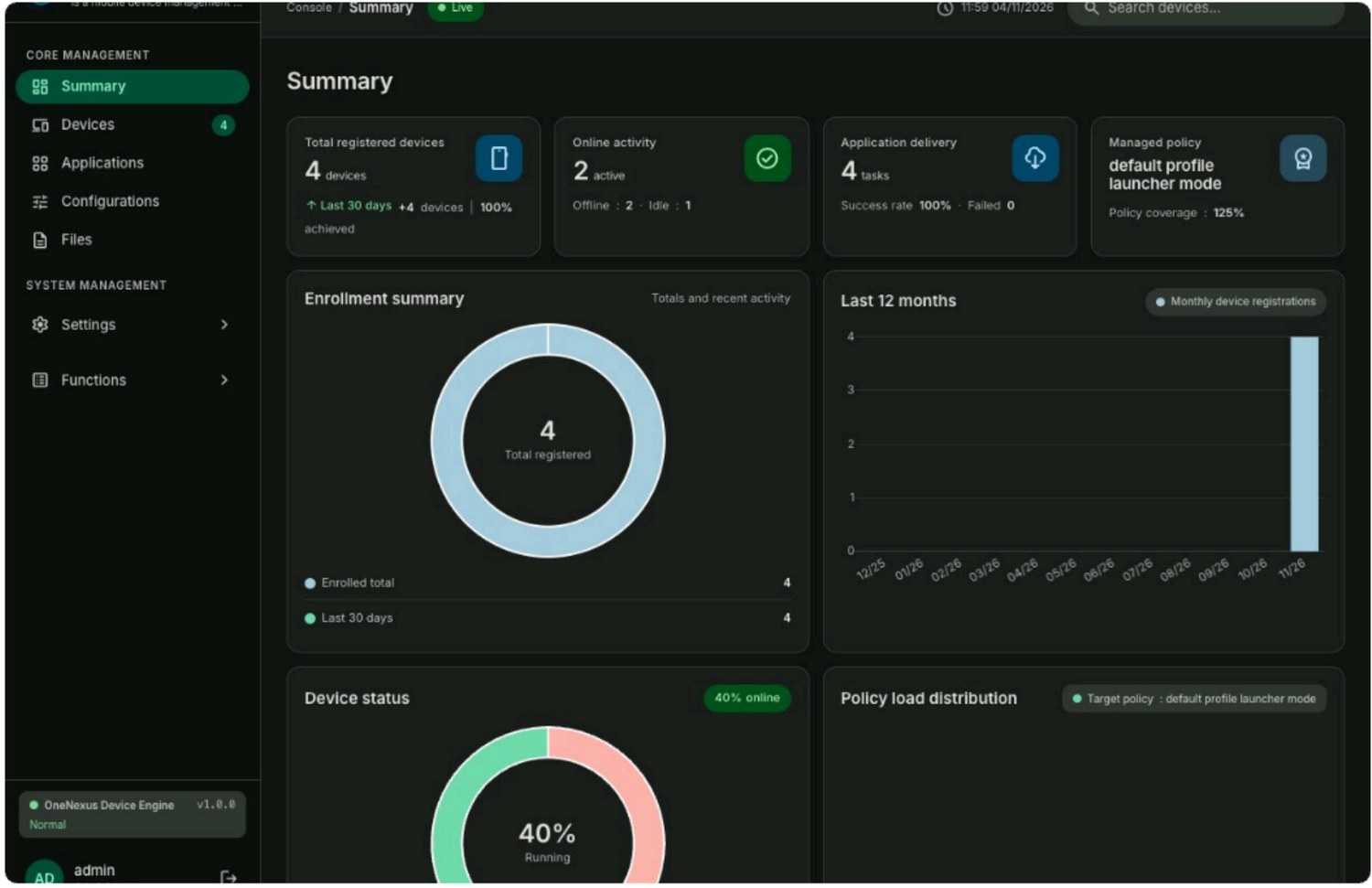
The administrator's single working surface: inventory, apps, configurations, files and permissions.
A single APK handles both connection and enforcement and the corporate home screen, keeping devices in the target state.
Built for Android devices with a fixed purpose, a defined set of business apps and sites spread across locations. Talk to us and prove it on your own devices.
Business enquiries: bd@ihuatek.com (see Deployment & Partnership for implementation details)